Prove every service, every install, every test.
RepairDoc captures equipment condition, service performed, and completed work — so your office and customers always have the full picture.

What gets in the way today.
Every job. Automatically.
- Equipment condition on arrival
- Service and diagnostics performed
- Refrigerant work and readings
- Parts installed or replaced
- Final system testing
- Customer-ready service report
Concrete moments RepairDoc documents.
Maintenance agreements
Give commercial customers a repeatable, documented service record.
Install verification
Show the finished install exactly as it was left.
Seasonal callbacks
Compare current conditions against the last visit’s captures.
A sample job, documented automatically.
Job started
10:02 AMSession opened from the mobile app
Equipment condition documented
10:08 AM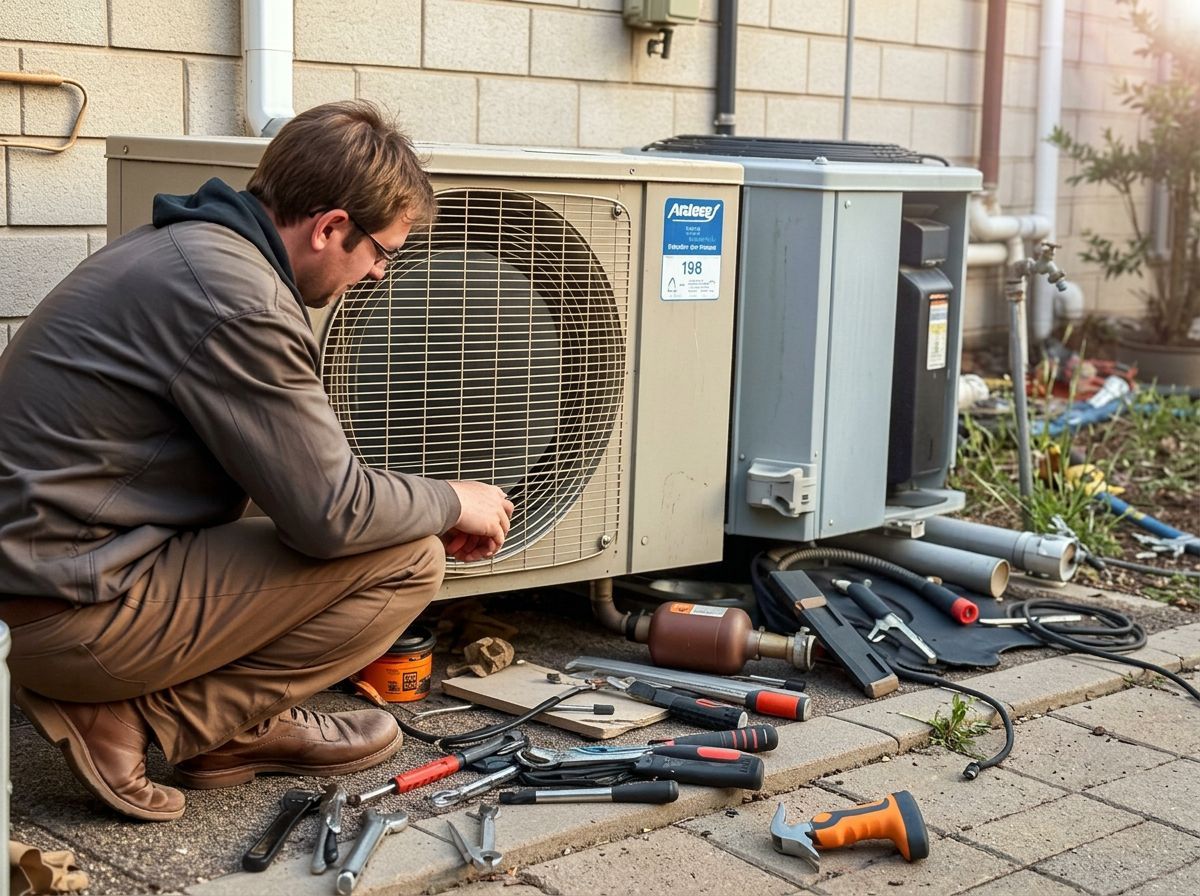
Fault identified
10:22 AMFailed run capacitor
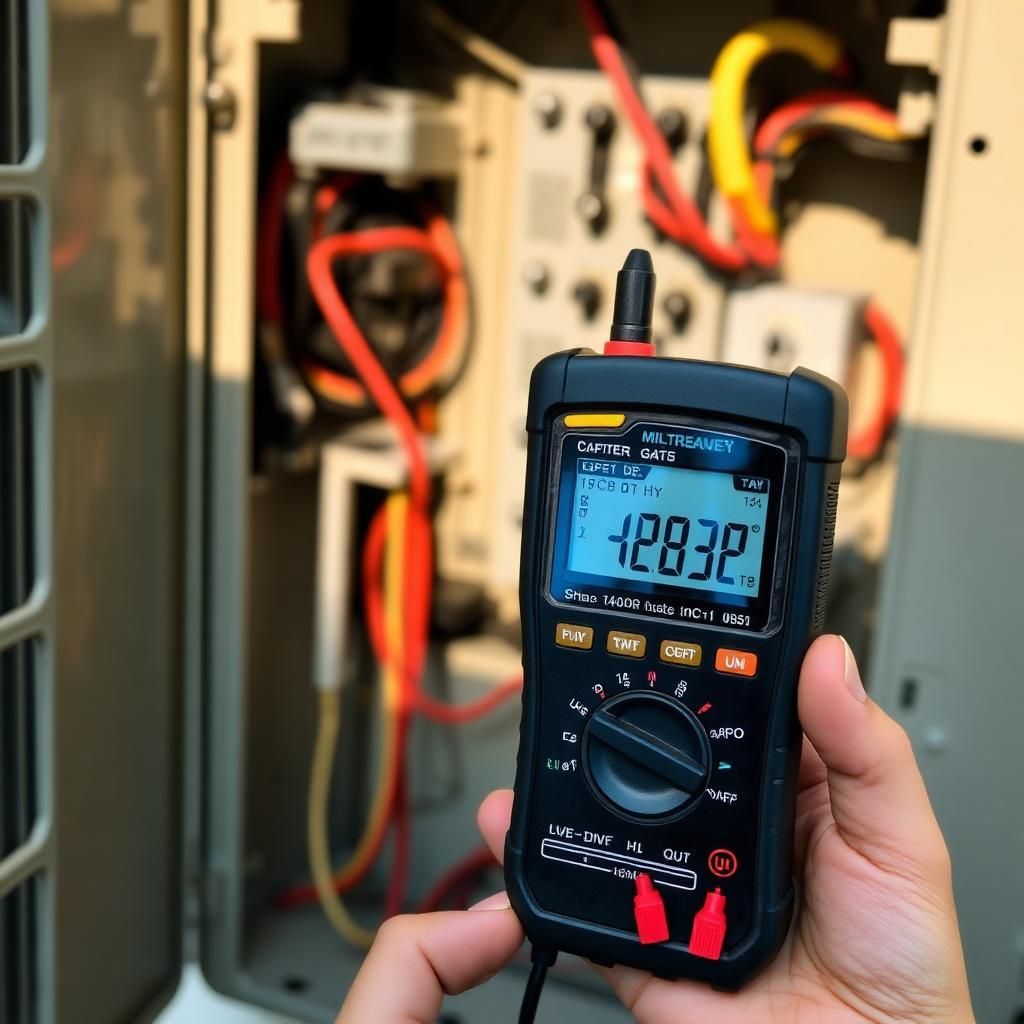
Replacement installed
10:41 AMSystem test passed
11:05 AMSupply air at target temp
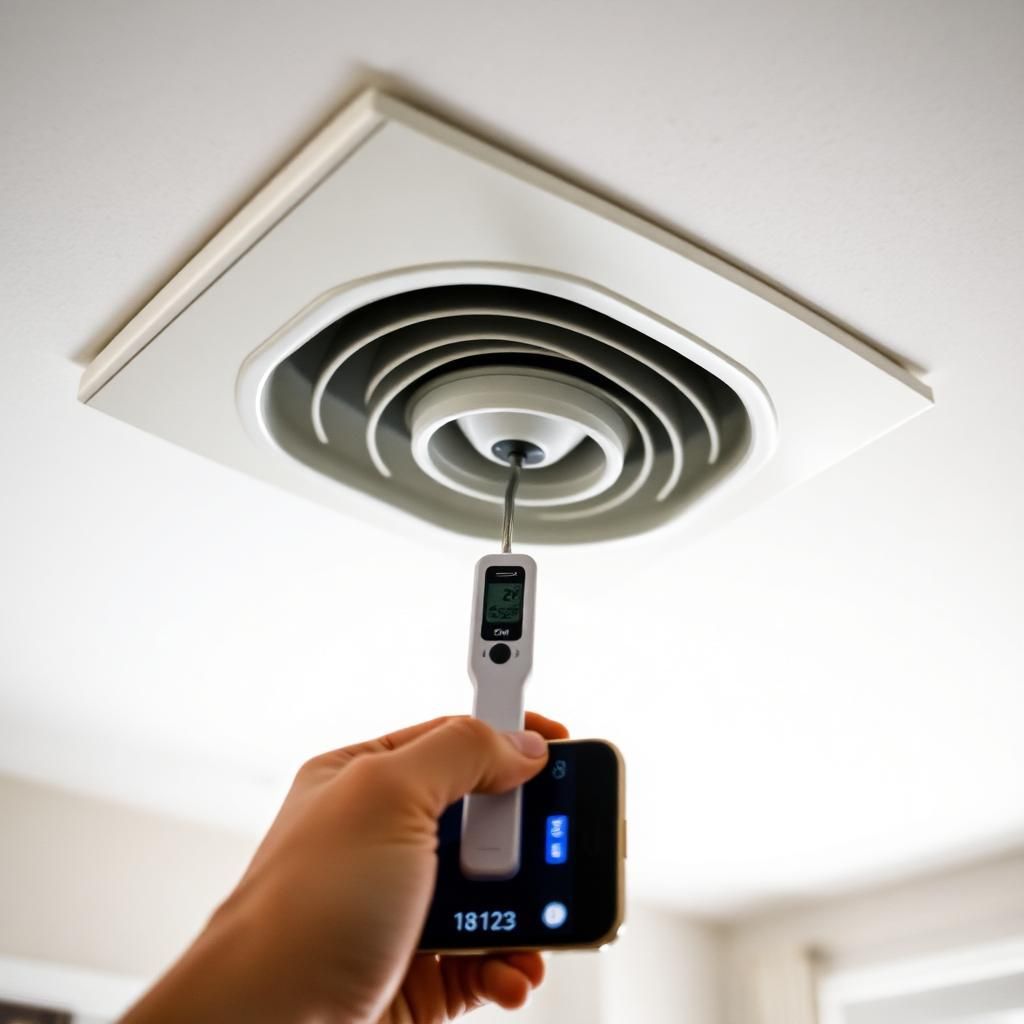


Sample job — illustrative data
AI Job Summary
Auto-generatedThe condenser's condition was documented on arrival. A failed run capacitor was identified and replaced. A system test confirmed supply air at target temperature.
The work is already happening. Start documenting it.
Start documenting your work today. No credit card. No password to pick.